Türkçe
 English
 فارسی
 Русский
 VPS.TC Editör
- What Is a VPS? Starting with the Basics
- What Is a VPS Used For? Practical Use Cases
- How Does Server Virtualization Work?
- VPS vs. Shared Hosting vs. Dedicated Server
- VPS Starter Guide: Choosing the Right Resources
- Basic Security and Maintenance Steps for Beginners
- Common Mistakes and Troubleshooting Tips
- A Roadmap for Choosing a VPS
- Frequently Asked Questions
What Is a VPS? Starting with the Basics
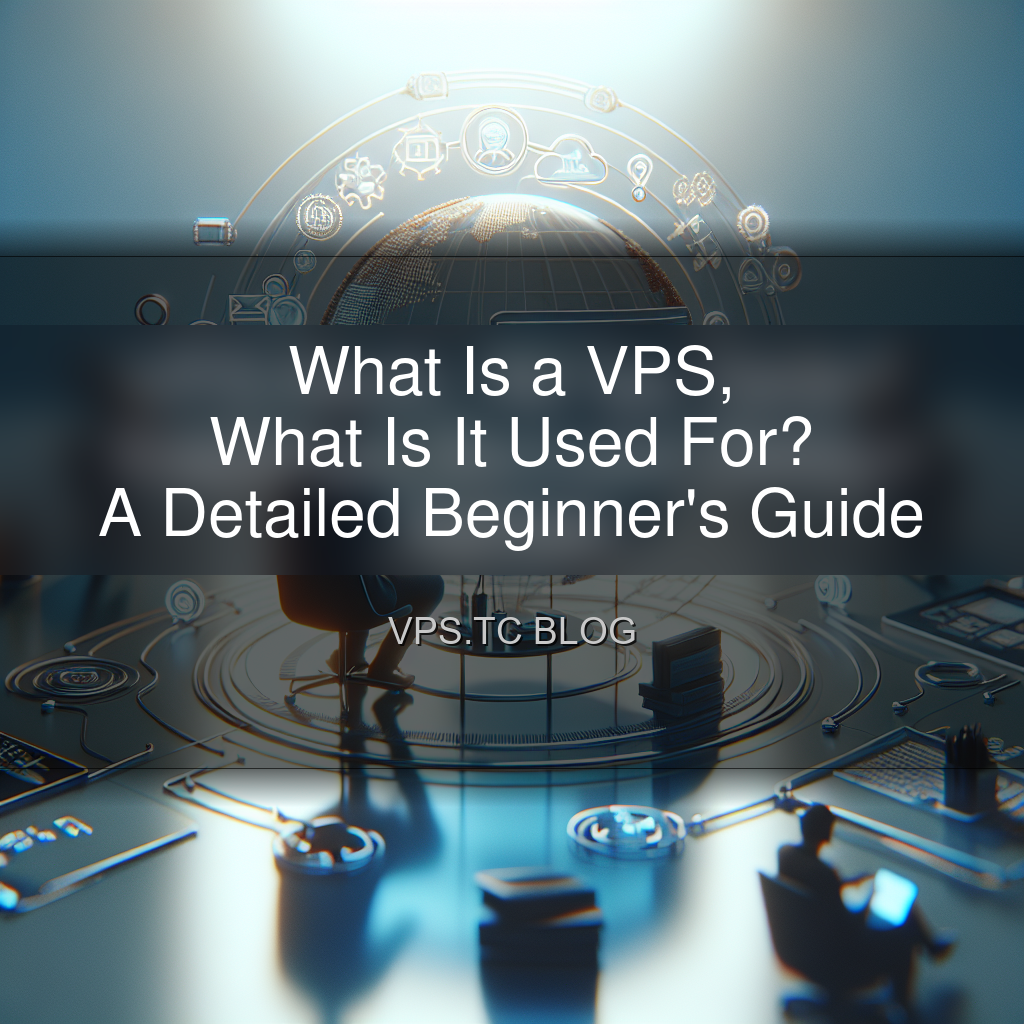
When answering the question “what is a VPS?”, the goal is to keep things as simple as possible without losing touch with the technical facts. Imagine taking a single physical server and splitting it, with a virtualization layer, into several independent virtual servers. Each of these has its own file system, users, services and resource limits; we call them a VPS, a Virtual Private Server.
In traditional shared hosting, dozens or even hundreds of sites run side by side on the same operating system and software stack. With a VPS, you usually install your own operating system and manage your services with root or sudo privileges. However, you should not take the phrase “dedicated resources” for granted without seeing the provider’s technical model; on some platforms, CPU and storage resources may be shared with other VPSs.
A VPS hands you most of the work of server administration without renting a whole physical server. That freedom is useful, but a large share of the responsibility, from updates and the firewall to backups and log monitoring, is also yours.
What Is a VPS Used For? Practical Use Cases
When you sit down and ask what a VPS is used for, limiting the answer to website hosting would be a big mistake. A properly configured VPS can be used for a wide range of things, from web applications and business services to game servers and VPN solutions.
Let’s continue with a few examples from real scenarios. These are the VPS use cases I come across most often in day-to-day work:
- Hosting medium- and high-traffic websites or e-commerce projects
- Running custom applications such as APIs, microservices or background workers
- Setting up game servers, voice communication software or community platforms
- Building corporate VPN, remote desktop or secure tunnel setups
- Separating software development environments such as test, staging or CI/CD
- Using it as a log collection, monitoring or backup server
In each of these, the level of control on the VPS is what makes the difference. On shared hosting you may not even be able to change a simple PHP setting, while on a VPS managing the operating system and application layers is up to you. Freedom increases; the maintenance load comes with it.
How Does Server Virtualization Work?
At the heart of VPS technology is the virtualization layer. The hypervisor running on the physical machine allocates processor time, RAM, disk and network resources to virtual machines. In full virtualization solutions such as KVM, VPSs can run their own kernel. In container-based setups, the kernel is shared with the host; you cannot tell these two models apart from the name “VPS” alone.
The critical point here is how resource sharing is managed. If proper limits are not defined, a single VPS can consume heavy CPU or disk I/O and affect other customers on the same physical host. That is why the provider’s overselling policy, storage type, CPU model and network capacity can be more meaningful than the package name.
Thanks to virtualization, adding capacity without changing the physical machine is often easier. More vCPU, RAM or disk space can be assigned; but this does not always happen without downtime. RAM upgrades, disk expansion and file system growth steps need to be checked separately for your provider and operating system.
VPS vs. Shared Hosting vs. Dedicated Server
To fully pin down what a VPS is, it helps to put it side by side with shared hosting and a dedicated server. All three models have their own advantages and disadvantages; the right one is the one that fits your needs.
| Feature | Shared Hosting | VPS | Dedicated Server |
|---|---|---|---|
| Resource Control | Very limited | Medium / high; depends on the provider’s model | Full control |
| Management Responsibility | Mostly the provider | You, or partly the provider | Largely you |
| Performance Consistency | Variable | Depends on the plan and host density | Most predictable |
| Cost | Cheapest | Mid-range | Most expensive |
| Scalability | Limited | Usually flexible | More effort |
Shared hosting is a practical option for entry-level users with little technical knowledge; but there is little room to move in operating system and service settings. A dedicated server offers full control and predictable resources, but its cost and hardware responsibility are high. A VPS strikes a reasonable balance between these two extremes.
For projects that are open to growth in production, starting with a VPS or cloud server often makes it easier to move the architecture later. Still, if the application needs high availability, a single VPS may not be enough; components such as a standby server, an external database or load balancing should be designed separately.
VPS Starter Guide: Choosing the Right Resources
One of the questions I get most often when putting together a VPS starter guide is this: how many vCPUs, how much RAM and how much disk space should I choose? There is no single magic formula. Seeing the application’s real measurements is more reliable than guessing.
For a simple business site or a low-traffic blog, 1-2 vCPUs and 2-4 GB of RAM may be enough to start with in most cases. If the application server, database and background workers will run on the same machine, moving up to 4 vCPUs and 8 GB of RAM can give you more comfortable headroom. These are not guaranteed values, just rough ranges for initial planning.
On the storage side, look not only at the total space but also at disk latency and IOPS capacity. SSD or NVMe makes a difference, especially for databases and heavy file operations. Do not keep backups on the same disk; logs, file uploads and database dump files can eat up free space faster than expected.
When I plan disk space, I do not just ask “how many GB is the application?”. Daily growth, temporary files, update packages and at least a few restore points are part of the calculation too. Location and network infrastructure matter as much as resources. For projects that target users in Turkey and the surrounding region, a VPS in Istanbul can be a good fit in terms of latency and data residency; for North American users, a New York location may be closer. As an example, you can look at VPS.TC VPS plans in Istanbul and New York, or VDS plans for more dedicated resources.
Basic Security and Maintenance Steps for Beginners
Right after “what is a VPS used for?”, the next topic to address is security and maintenance. Every server that is open to the internet becomes an attack surface when misconfigured. Starting to install applications on a new machine without updating it is like piling up debt on day one.
These are some basic steps that should be applied right after the initial setup:
- Use an up-to-date, supported operating system image
- Create a separate sudo user instead of working as root all the time
- Use SSH key-based authentication instead of passwords
- Disable root login and password sessions over SSH if your policy requires it
- Remove unnecessary services and unused packages
- Set up regular security updates and, if possible, automatic security patches
- Define a firewall policy that only allows the ports you need
- Limit privileged users and monitor sudo logs
Changing the SSH port is not a security solution on its own. The real difference comes from key authentication, limited privileges, up-to-date software, a firewall and log monitoring together. On servers, use nftables or the firewall tool provided by the distribution, and add fail2ban for brute-force attempts when needed.
On the maintenance side, monitoring and backups are critical. Running a production environment becomes hard without a monitoring system that tracks CPU, RAM, disk space, disk I/O, network traffic and service status. Availability can be monitored with a tool such as Uptime Kuma, and resource trends with Prometheus and Grafana. Tying the disk alert not only to a percentage but also to inode usage pays off.
Keep backups on a different server or storage service. Storing both the live data and its backup on the same VPS can make you lose both copies at once if you hit a disk or provider problem. rsync can be used to copy files and borgbackup for versioned, encrypted backups; whichever tool you choose, actually test the restore.
Common Mistakes and Troubleshooting Tips
When writing a VPS starter guide, it would not be right to ignore the points where new users struggle most. I have seen the same mistakes repeat in different forms both on my own test server and on customer machines.
- Choosing fewer resources than needed and being forced to migrate within a few months
- Squeezing everything onto a single server without isolating services from each other
- Postponing security updates for months
- Not watching the logs and simply restarting the service when it slows down
- Taking backups but never testing a restore
- Using
chmod 777without thinking when there is a file permission problem
A typical example: disk space on a VPS starts dropping fast. Restarting the service would only hide the symptom; investigating with df -h and ncdu shows which directory the large files are piling up in, and the lasting fix is usually log rotation or the application’s own file generation setting. The troubleshooting order stays the same: measure the symptom, narrow down the source, keep the change small and verify with the logs.
For network problems I open mtr, and for DNS problems dig +short before the panel. If resource usage has spiked, htop is a good starting point; if the disk is full, ncdu. A restart is sometimes necessary, but every reboot done without reading the logs can also cost you the evidence.
In the long run, the most effective solution is to document recurring mistakes and build your own operational checklist. Checking the hostname, open ports, backup target and restore method on the same list when you set up a new VPS looks small; it saves time in a crisis.
A Roadmap for Choosing a VPS
So far we have covered the technical background of a VPS, its use cases and the basics of virtualization architecture. Now it is time to draw up a measurable plan for your own project.
First list your needs: expected traffic, uptime target, security requirements, growth plan, data volume and budget. Then decide on vCPU, RAM, storage type, location and backup options. If you will not be able to handle operating system updates, the firewall and application maintenance yourself, factor in a managed service option as well.
If you are looking for scalable infrastructure in Istanbul or New York, you can consider VPS.TC VPS plans, and when you need more dedicated resources, the cloud server or virtual datacenter options. Start with a small but observable configuration; scale up after you have seen a few weeks of real CPU, RAM, disk I/O and network data. A simple rule applies: try risky changes on a disposable test machine first, then touch the production server.
Frequently Asked Questions
What is the difference between a VPS and a VDS?
These names can vary by provider. Usually a VPS refers to a more flexible virtual server or one with shared resources, while a VDS refers to a virtual server whose resources such as vCPU, RAM or disk are more clearly dedicated. Check the technical resource policy and virtualization model rather than the package name.
Can a beginner manage a VPS?
You can start with basic knowledge of Linux, SSH, networking and backups. But root access, a wrong firewall rule or a service that is not updated can cause serious outages. Working in a test environment first, and taking a snapshot and an external backup before changes in production, are good habits.
How much RAM do I need when choosing a VPS?
For a simple site, 2-4 GB of RAM may be enough to start with. If the web server, application, database and background workers will run on the same VPS, 8 GB or more may be more comfortable. Make the final decision not by guessing, but by monitoring memory usage, swap and application metrics.
Is it safe to store backups on the VPS?
Not as the only copy. Keep backups on a different server or storage service from the live data, encrypted and versioned if possible. Do not assume a backup works until you have done a real file and database restore at least once a month.